MAKE SOME NOISE.
AI RAP VIDEO
GENERATOR.
Your photos. A solo or duet rap performance.
Create your AI rap video
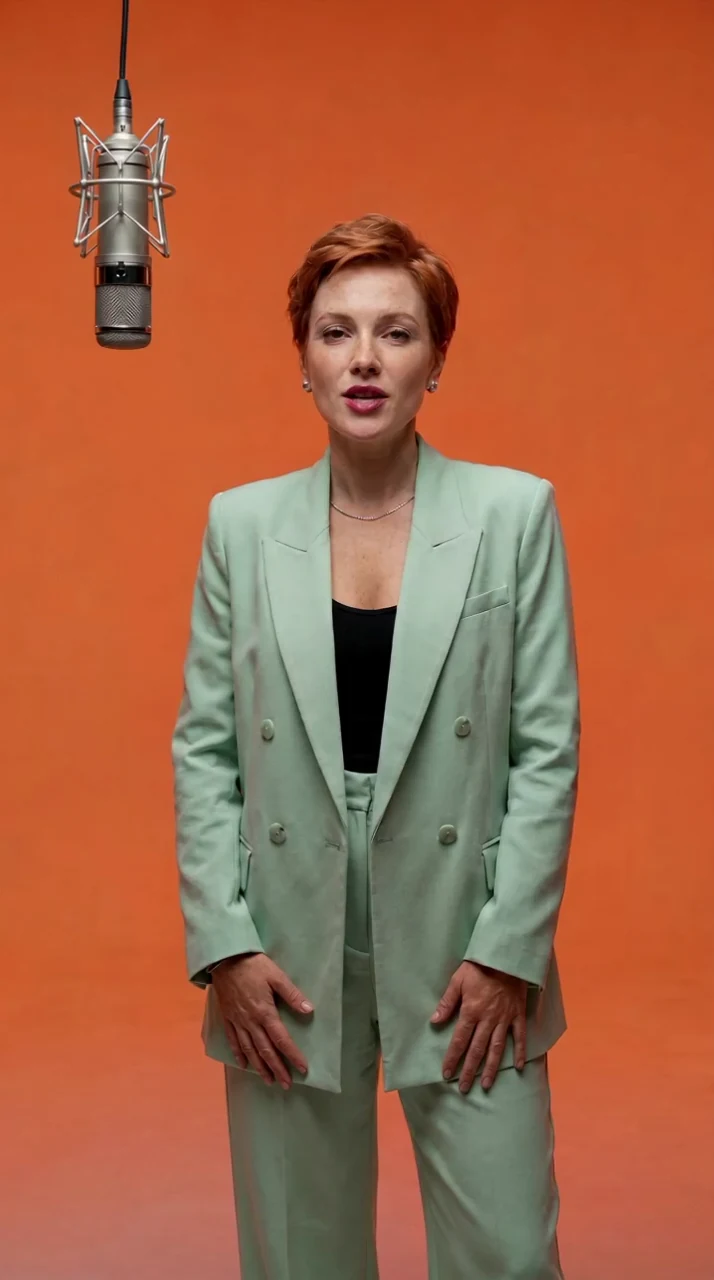
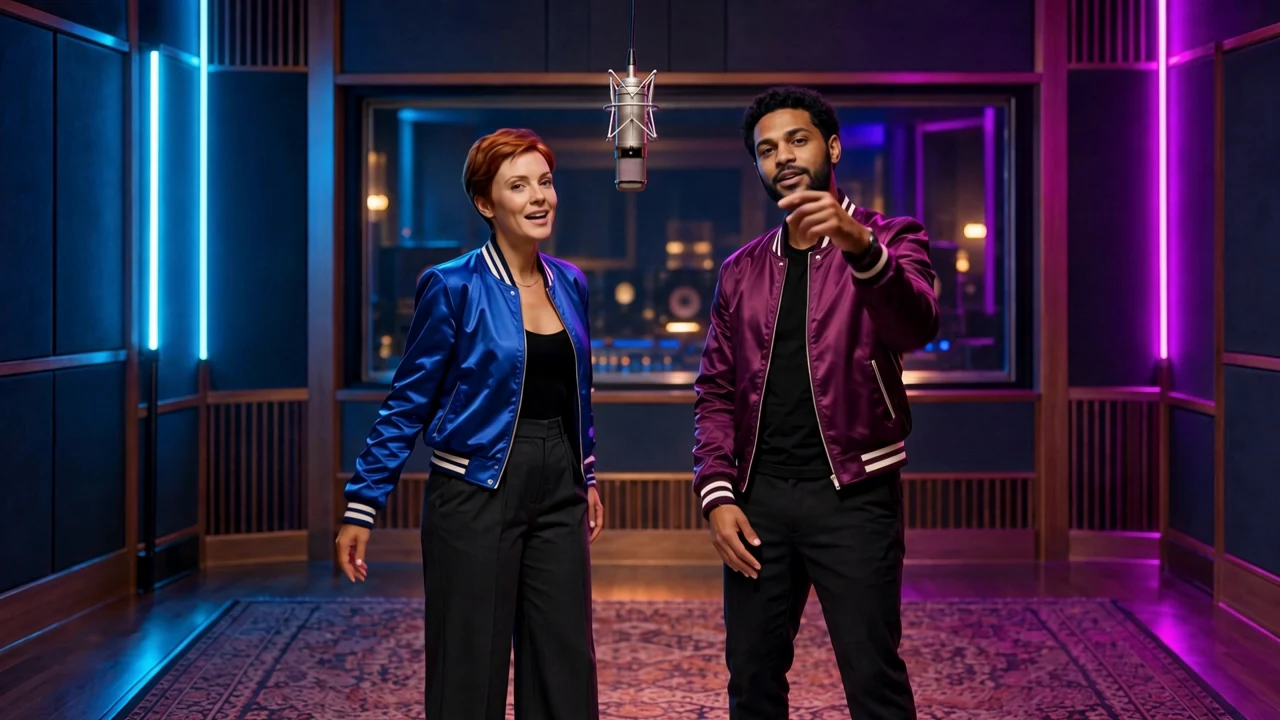
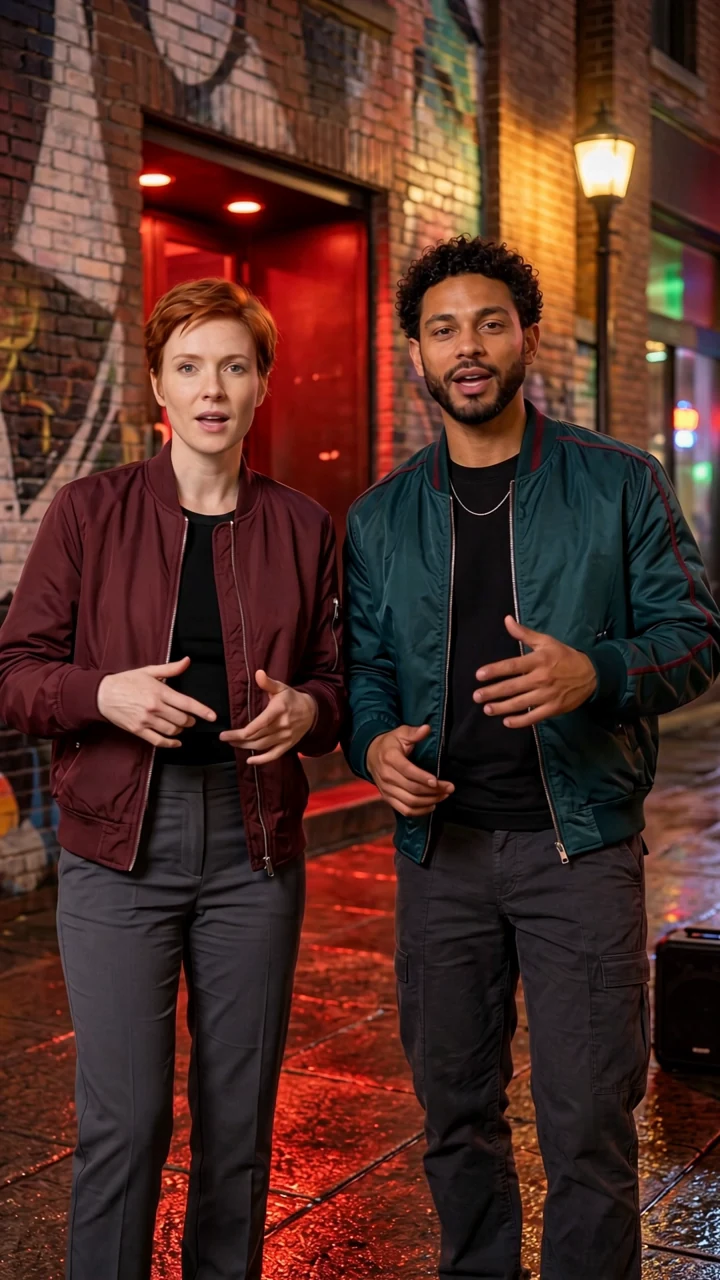
Browse rap video samples
Real saved performances. Build your own take in the studio.
Solo/Duet/RAP SOUNDTRACKS
YOUR PHOTOS. A RAP PERFORMANCE.
An AI rap video built around your photos.
RapTake turns permitted photos into short solo or duet performances. Choose a prepared rap track, a scene and a video format, then bring one or two people into the picture. The song includes its lyrics, vocals and backing music, so you can hear the performance you are choosing before you start.
Make a birthday shout-out, celebrate a shared win or try a different look for a social clip. Start with the samples, explore the supported choices in the studio and check the prepared character image before approving the video.
From input to finished video
See the full AI rap video process.
Follow two completed examples made with our original fictional adult characters. See the input images, the character preview and the actual final file, with its measured dimensions and duration.
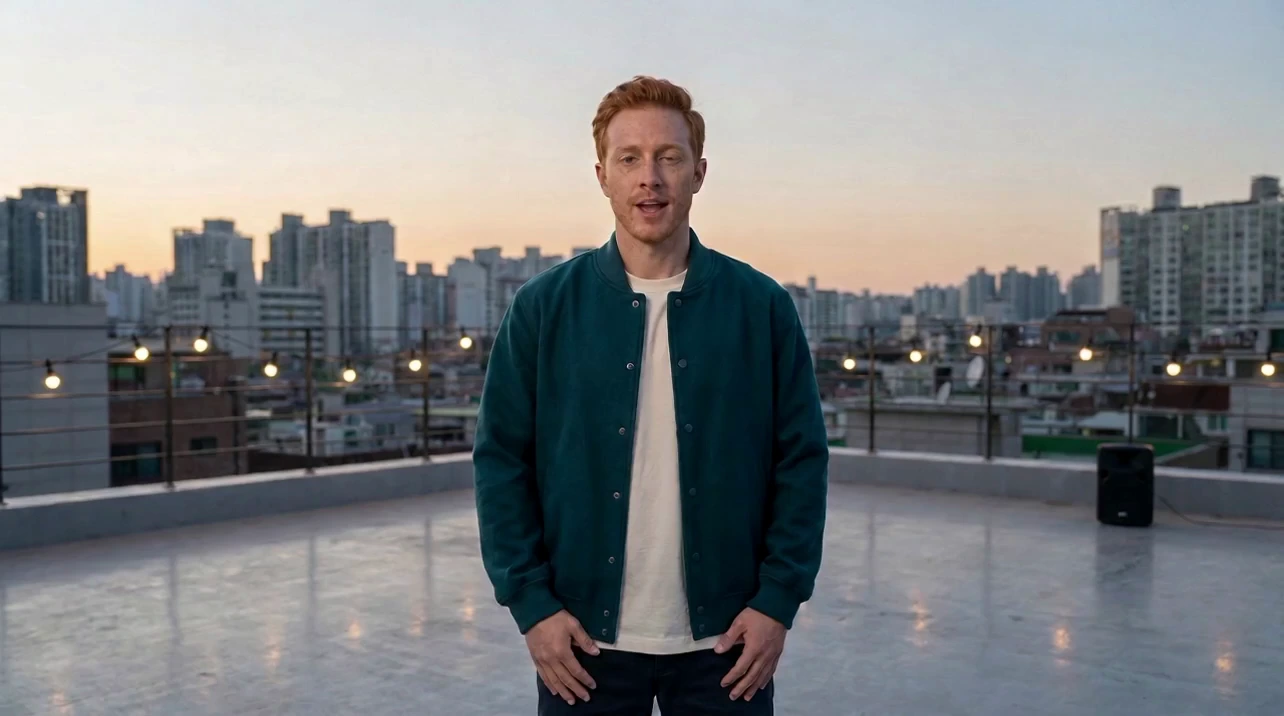
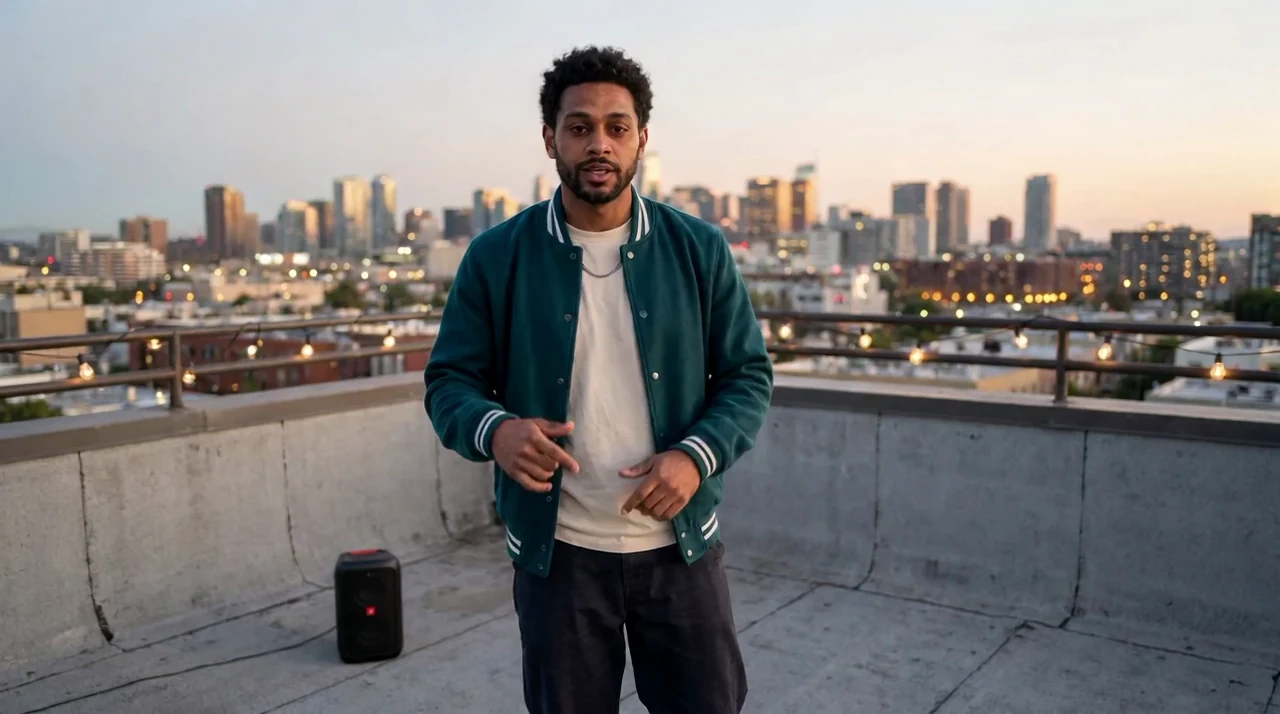
One image. A solo performance.
Isaac moves from an existing character image to a rooftop scene and a 10-second Birthday Bars video.
See the complete example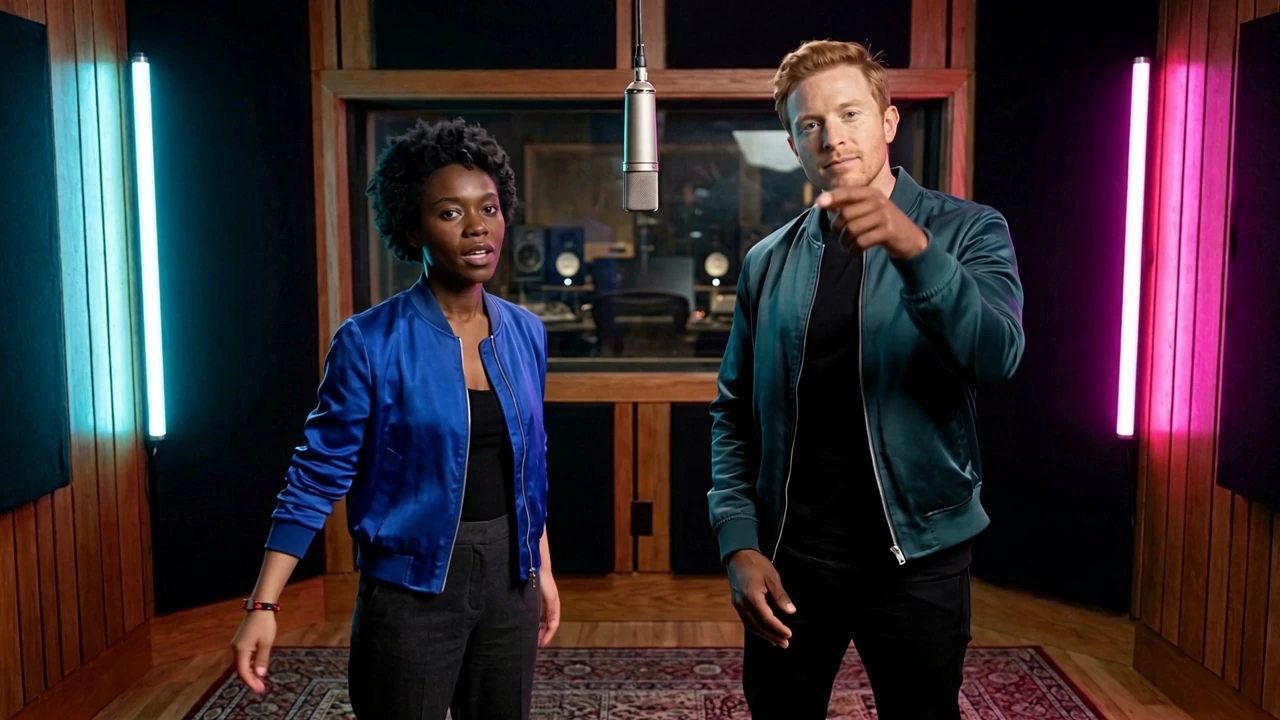
Two images. A shared performance.
Dara on the left and Isaac on the right: two input images, one character preview and a completed Back-to-Back duet.
See the complete exampleFROM CAMERA ROLL TO CENTER STAGE
HOW TO MAKE
AN AI RAP VIDEO.
Choose a song and scene, add your photos, then confirm the prepared character image before generating. Your account keeps the video and its progress together.
Bring your photo
Choose one clear adult portrait for solo, or two separate adult portraits for a duet. Use your own photos or likenesses you have permission to feature.
Find your sound
Listen to a prepared rap track with vocals and backing music. Choose a supported scene and portrait or landscape format in the studio.
Drop your take
Prepare and check your character image first. Approve the video step when the faces and framing look right, then watch and download the finished take from your library.
FROM PHOTO TO PERFORMANCE
A few choices that shape your take.
Choose the combination you want, then check the people and composition before the performance is generated.
Set the cast and the track
Choose solo for one person or duet for two. Listen to the available track and voice before selecting it: a photo does not determine the singer. The prepared lyrics, vocals and beat stay with that song.
Choose the stage and the frame
Explore Orange Room, Neon Booth, Rooftop Cypher and Street Session. Scenes guide the background, styling and placement of the performers. Choose portrait 9:16 for a tall frame or landscape 16:9 for a wide one. The studio shows which combinations currently support generation; a preview alone does not mean every combination is available.
Check the people before the performance
Sign in, add a clear photo for each performer and confirm that you have permission to use the likenesses. RapTake first prepares a character-and-scene image. Review the faces, left and right roles for a duet, and the framing before approving video generation. This checkpoint lets you inspect the setup before the performance step starts.
Watch the whole take
Follow the saved task stages in your account, then watch the finished clip with sound. Check the people, lip sync, background and audio together before sharing. AI results can vary. Download the delivered video within its availability window and keep your own copy for later.
GIVE THE TAKE A REASON
Rap video ideas for a personal moment.
Choose a track that fits the occasion, then use your photos and scene to make it personal.
A birthday shout-out
Give the birthday person a solo spotlight or use two permitted photos for a shared celebration. Listen to the birthday-themed options first: their prepared lyrics do not automatically add a name or your own message.
A shared win
Bring a friend, partner or teammate into a duet to mark a milestone together. Pick the track for the feeling you want and check both roles in the prepared image. Each person needs their own suitable photo and permission; one group photo is not a substitute for the two-photo setup.
A different look for your feed
Try a portrait performance for a tall social feed or a landscape take for a wider presentation. Compare the scene previews for their color, setting and composition. Review the full result before adding it to your post or video edit.
YOUR STAGE. A CLEAR PRICE.
Your next take, clearly priced.
One-time packs for solo and duet rap videos. Choose your song, scene and format in the studio.
See prices & packsSolo Video$7.99 USD
1 video
Duet Video$12.99 USD
1 video
One-time USD prices. No subscription or automatic renewal. Sign in to choose a pack and pay securely with PayPal.
BEFORE YOUR NEXT TAKE
AI rap video questions, answered.
A quick guide to the photos, audio, generation steps and purchase rules behind a RapTake video.
How does RapTake turn a photo into a rap video?
The workflow starts with your photos and selected scene to prepare a character image. After you approve that image, the video process creates the performance using the selected song and its prepared materials. It creates new visuals for your request. Watching an existing sample does not start a new generation or put your face into that sample.
Watch the samplesCan I use my own voice, music or lyrics?
This version uses prepared tracks with their existing lyrics, vocals and backing music. It does not accept your own audio or custom lyrics, and it does not clone your voice. Changing a person’s photo changes the character reference, not the recorded voice. Listen to the available song before you choose it.
What photos should I upload?
Use one clear adult portrait for a solo, or two separate adult portraits for a duet. Keep each face visible and avoid covered mouths, sunglasses, extreme angles and group shots. Upload only photos and likenesses you are authorized to use. The studio accepts JPEG, PNG or WebP files up to 10 MB per photo.
Can I choose portrait or landscape?
Yes. The studio offers 9:16 portrait and 16:9 landscape choices, with scene images composed for the selected format. Choose the frame before generation, rather than planning to crop a finished wide video into a tall one. Availability still depends on the complete combination shown in the studio.
Explore the studioWill different choices produce different videos?
Photos guide the people, scenes guide the setting and composition, and the chosen song supplies the prepared audio and performance materials. A new request can therefore create different visuals. Movement follows the selected performance and generation process; exact gestures are not independently selectable. AI variation means two results are not guaranteed to match frame for frame.
How long are the videos, and how long will I wait?
Solo clips are typically around 10–12 seconds, while duet clips are around 15 seconds. These are clip lengths, not delivery-time promises. Processing depends on the queue and providers. Your task shows saved processing stages, and a result that needs review can take longer. Check the task page for its current status.
How do video packs and refunds work?
Packs are one-time purchases with no automatic renewal. Solo and duet counts are separate and valid for 365 days from confirmed payment. An accepted task reserves a count; successful delivery uses it, while a confirmed failure releases it with its original expiry. Uncertain results stay reserved for review. Within 7 days of confirmed payment, you can request a full refund of a fully unused pack with no reservation or generation history. Any prior reservation, even if no video was generated or the count was later released, requires individual review, as do partial use and quality issues. Returning a count is not a cash refund.
See packs and service rulesHow long can I download my video?
New paid videos are downloadable for 30 days from first delivery. They then enter daily cleanup, scheduled within the following 7 days unless an active task, support case or payment review requires longer retention. Normalized photos become eligible for removal 7 days after their last related task ends or is cancelled; unused uploads become eligible after 7 days. Media is stored privately. Keep your downloaded copy and use account support for a problem or deletion request.
Read about storage and privacyYOUR PHOTO. YOUR STAGE.